Your whole week. In seconds.
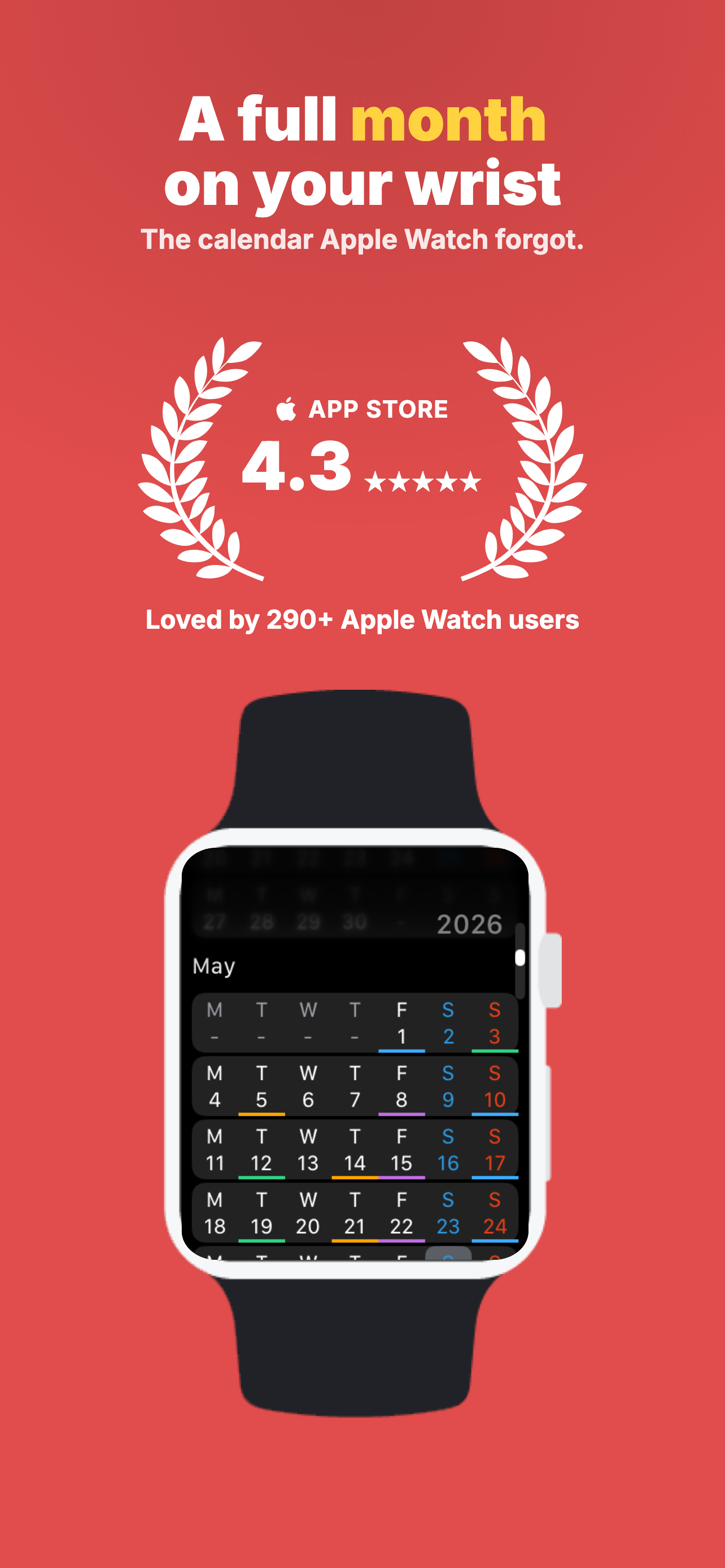
Week, month, and year views built for the wrist — with date and event complications that work on every watch face.
September2026
SMTWTFS
3031123456789101112131415161718192021222324252627282930123
Week · Month · Year
Every view. One turn of the crown.
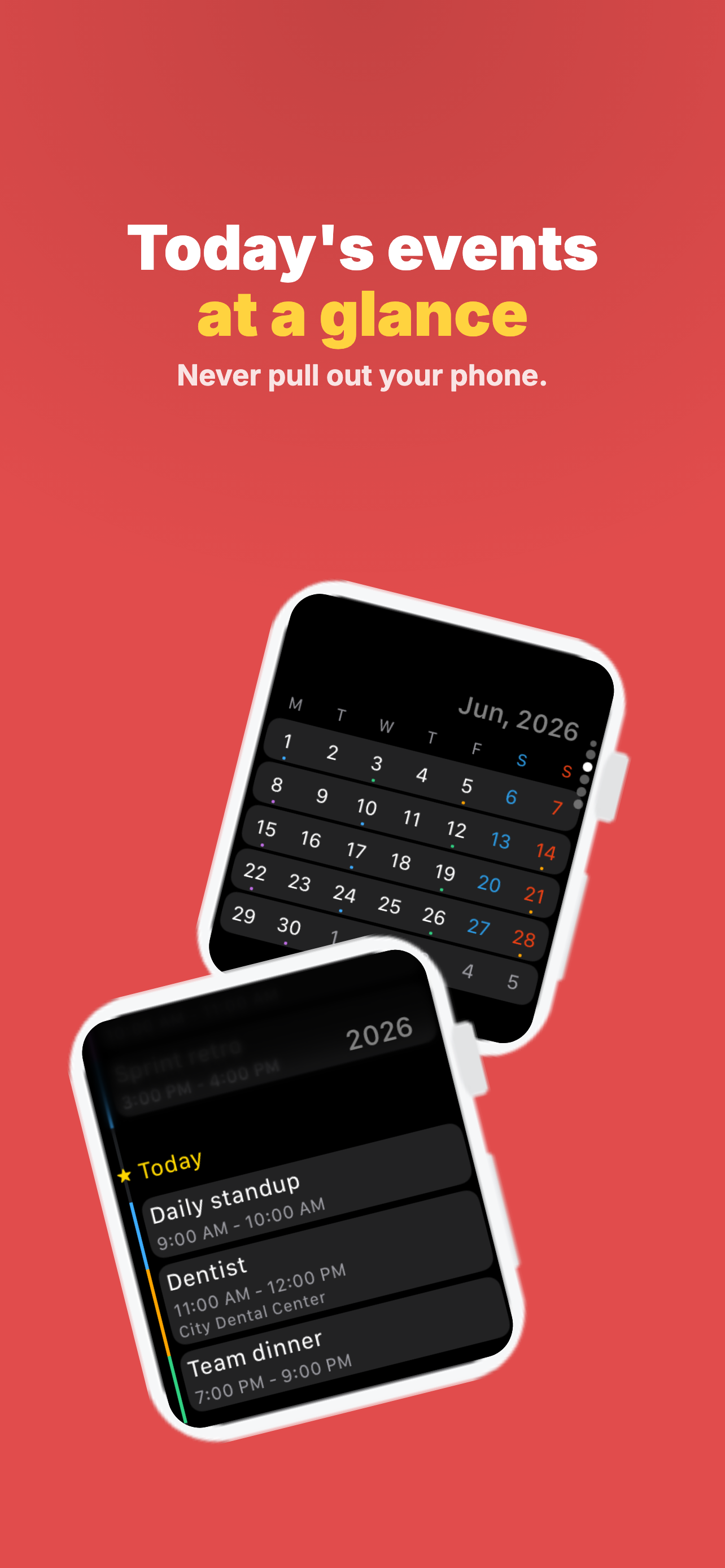
A clean, fast interface to scan your week, month, or year — and a timeline of everything coming up.
Sep 6 – 12Week
SUN6MON7TUE8WED9THU10FRI11SAT12
September2026
SMTWTFS
3031123456789101112131415161718192021222324252627282930123
2026Year
JANFEBMARAPRMAYJUNJULAUGSEPOCTNOVDEC
Today · Fri 111:1 with Sam9:30 – 10:00 AMLunch with Nora12:30 – 1:30 PMTomorrow · Sat 12Mei’s birthdayAll dayDinner at Ondo7:00 – 9:00 PM
Complications
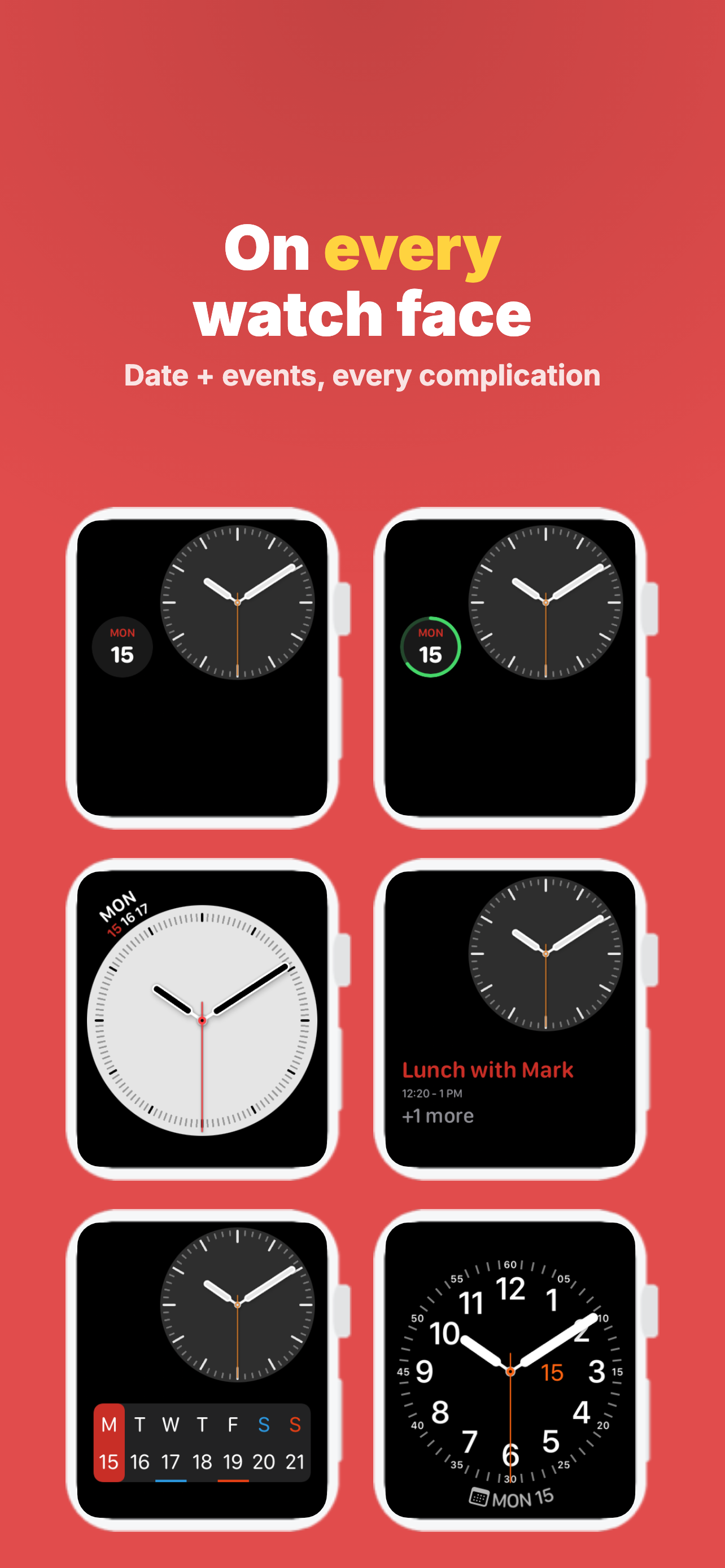
On every face.
Keep today’s date and your next event on the face you already love. Date and Event complications work with every watch face — no compatibility worries.
FRI 119:411:1 with Sam9:30 – 10:00 AM11
FRI11
9:4111Friday2 events today
9:41FRIDAYSEP 111:1 with Samin 12 min · 1 more
Make it yours
Your color. Your layout.
Change or invert the highlight color of the Date complication, and switch the calendar between Default and Paging layouts.
Highlight
September11
SMTWTFS
3031123456789101112131415161718192021222324252627282930123
New in 3.0 · Widgets
Also on your iPhone.
Home Screen and Lock Screen widgets keep the date and your next event in view — before you ever raise your wrist.
What’s new in 3.0
A fresh start.
- 01Redesigned calendar with faster week, month, and year views
- 02New event timeline — upcoming events at a glance
- 03Improved Date & Event complications for every watch face
- 04Home Screen and Lock Screen widgets
- 05Performance, reliability, and design polish throughout
From the App Store
Questions
Before you tap.
- Does it work with my watch face?
- Yes. The Date and Event complications support every watch face, in every slot size.
- Which calendars show up?
- Every calendar on your iPhone — iCloud, Google, Exchange and more — in the colors you already use.
- Is Just Calendar free?
- Free to download. Premium unlocks the Date and Event complications, the event timeline, and the Paging layout — start with a 7-day trial, or buy any single feature outright.
- What do I need?
- An Apple Watch on watchOS 10 or later, paired with an iPhone on iOS 18 or later. Available in English and 7 more languages.